
 Book Free Demo
MICROSOFT 365 MIGRATION
Microsoft 365 Migration for Mergers, Acquisitions & Divestitures
Preserve business continuity while consolidating or separating Microsoft 365 tenants.
Whether you’re merging organizations, acquiring a business, or separating a business unit, Apps4.Pro helps migrate Microsoft 365 workloads with minimal disruption, preserving users, data, permissions, and business continuity.
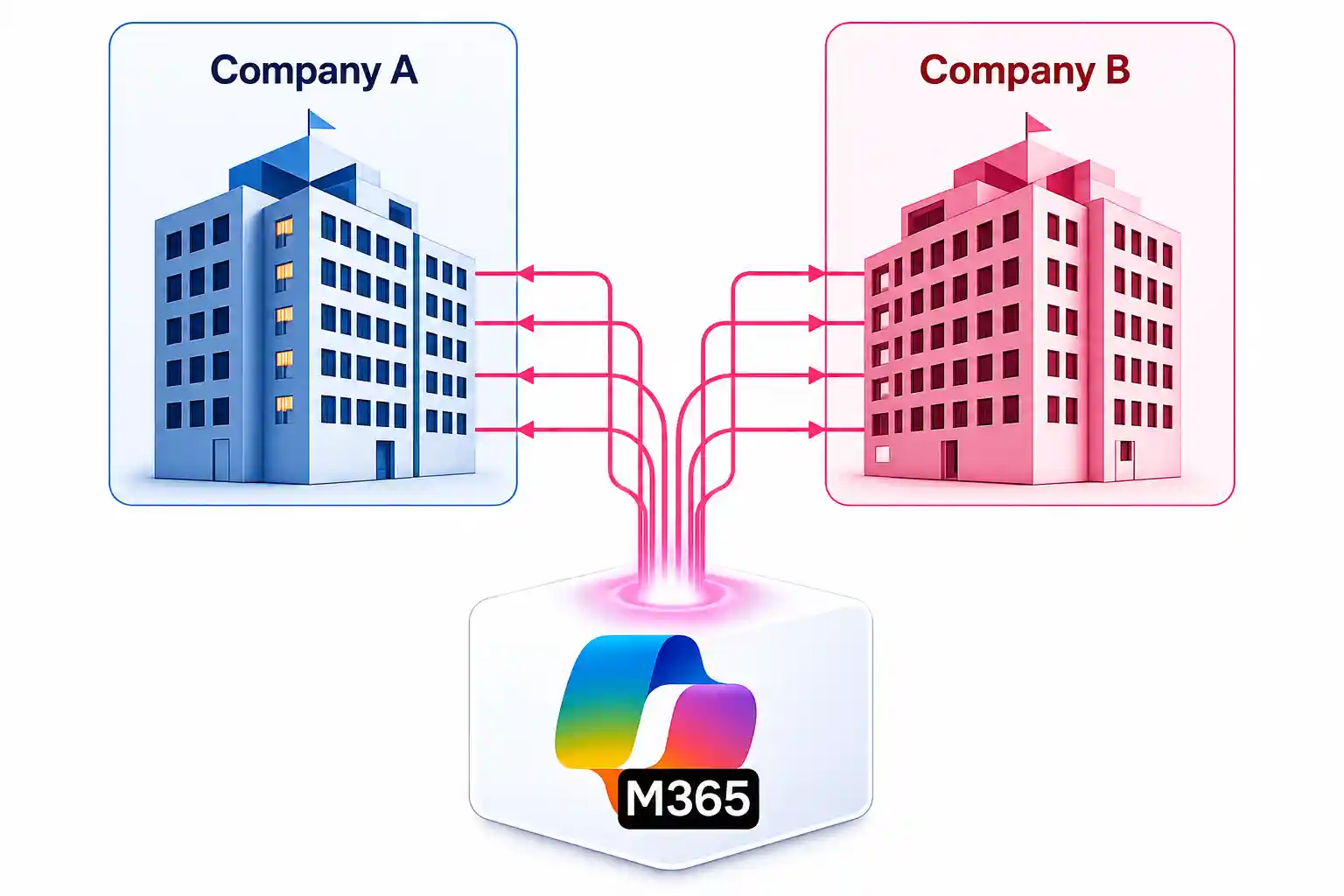

Expert-led Migration
Incremental Migration
Validation & Reporting

TRUSTED BY 20,000+
ORGANIZATIONS WORLDWIDE

From Startups to Global Enterprises










Why M&A Migration Projects Become Difficult
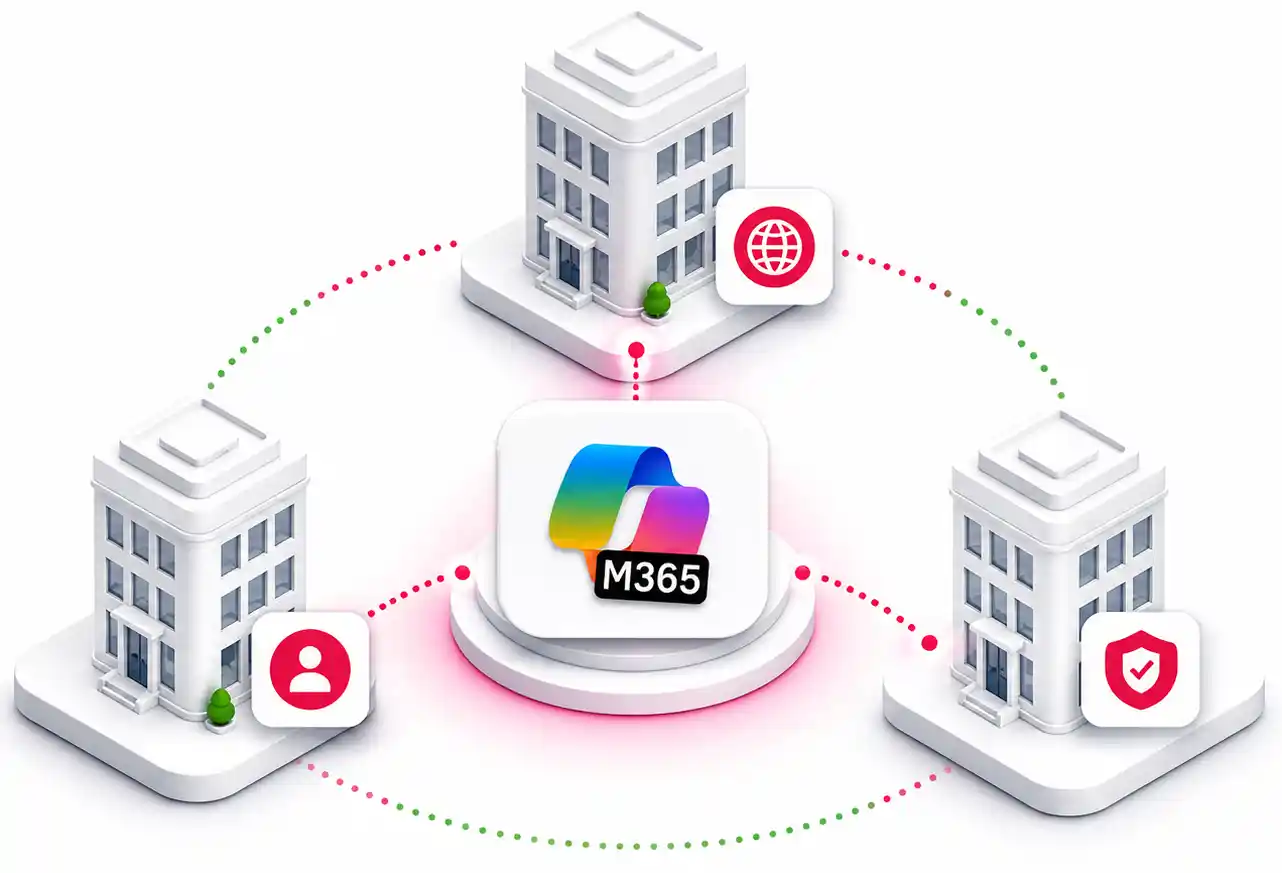
Multiple Microsoft 365 tenants

Different domains
Different identities
Different permissions

Sensitive business data
Legal separation
Compliance
Restricted access

Collaboration history
Chats
Meetings
Shared files
Permissions
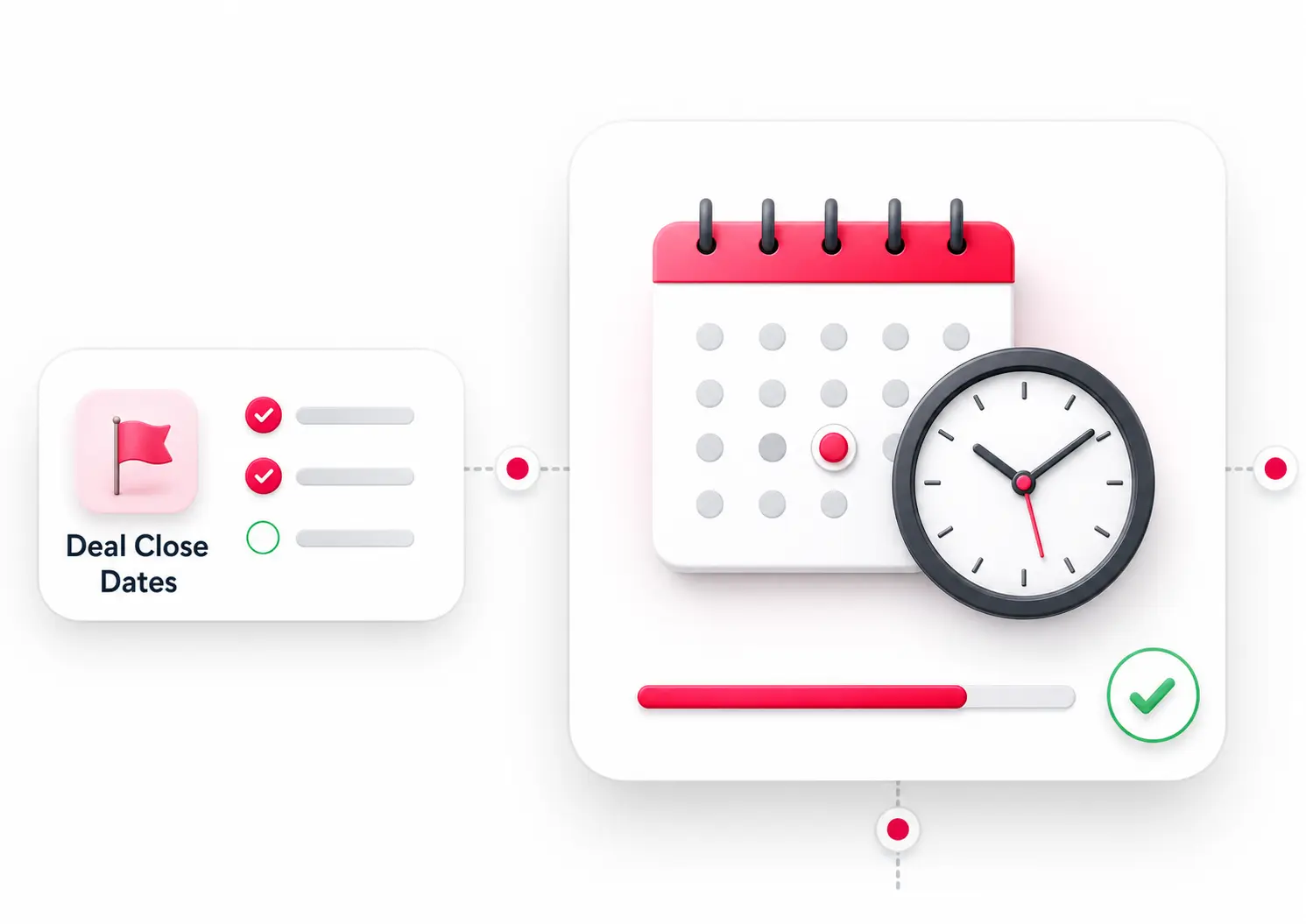
Tight migration deadlines
Deal close dates
TSA deadlines
Business continuity
Choose Your Scenario

MERGER
Combine two tenants into one environment
Explore Merger →

ACQUISITION
Move acquired users into parent tenant.
Explore Acquisition →

DIVESTITURE
Separate selected users into a new tenant.
Explore Divestiture →
Your Migration Isn’t Successful Until Your
Business Works Again
A standard Microsoft 365 migration focuses on transferring data from one tenant to another.

An M&A migration is different. Every workload is connected through identities, permissions, ownership, automation, and
collaboration. If these relationships aren’t preserved, users may have access to their data-but still be unable to work effectively after cutover.
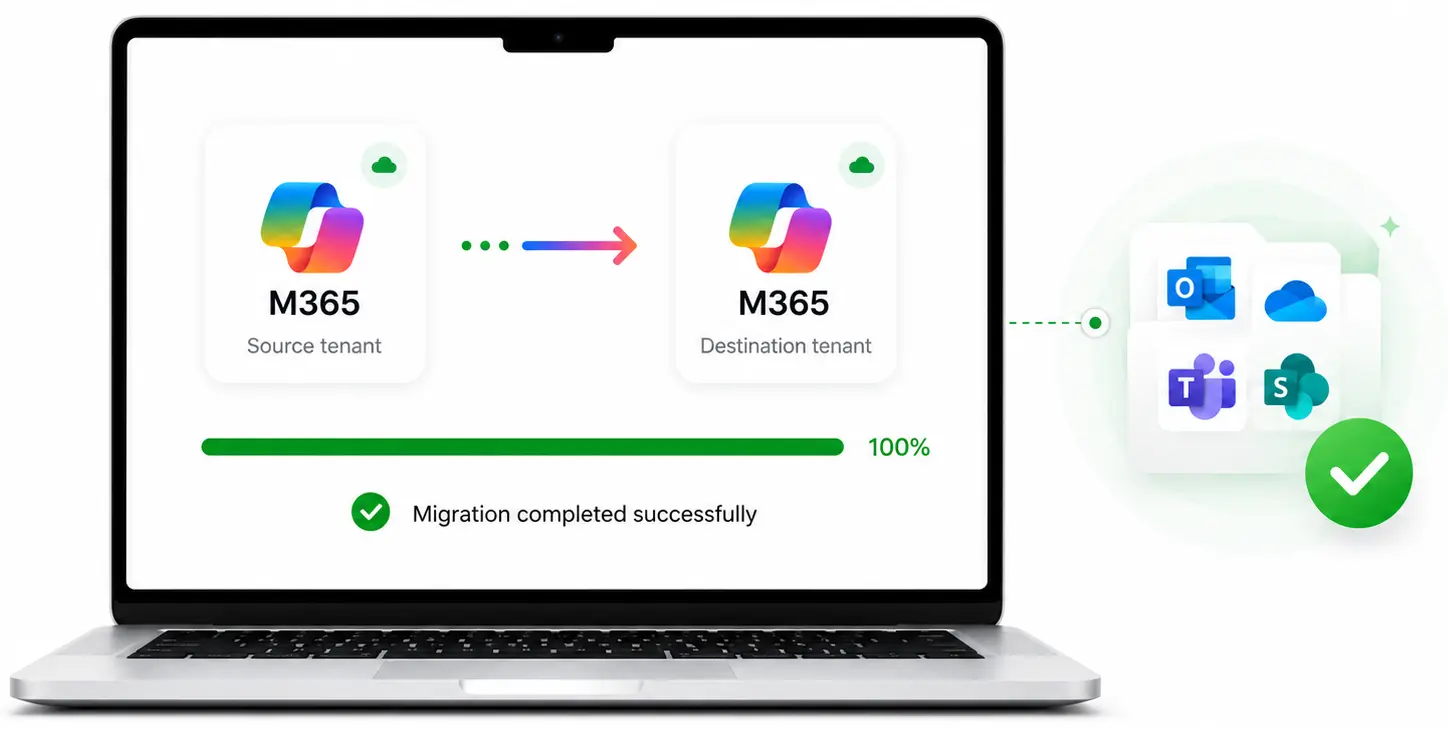
Standard Migration
Move mailboxes
Copy files
Migrate Teams
Transfer SharePoint data
Complete data transfer
M&A Migration
Preserve business operations
Maintain user productivity
Keep collaboration intact
Protect permissions & security
Ensure business continuity
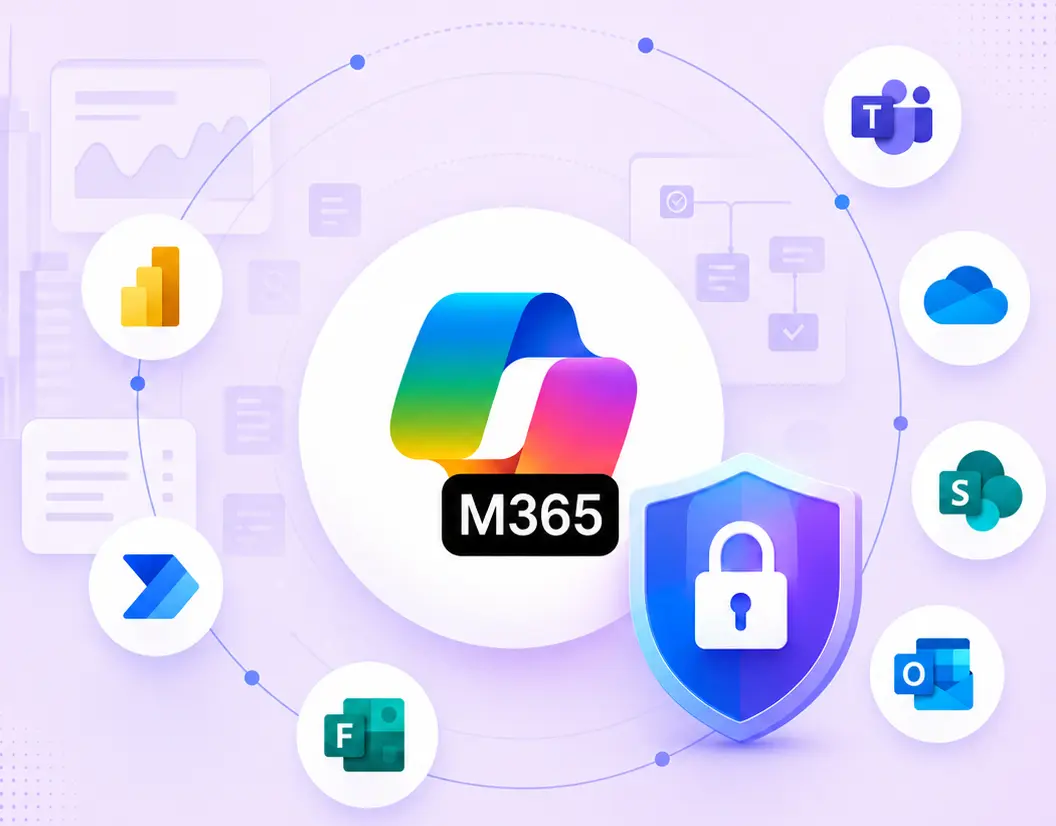

M&A success isn’t measured by how much data is migrated-it’s measured by how quickly your people can resume work.
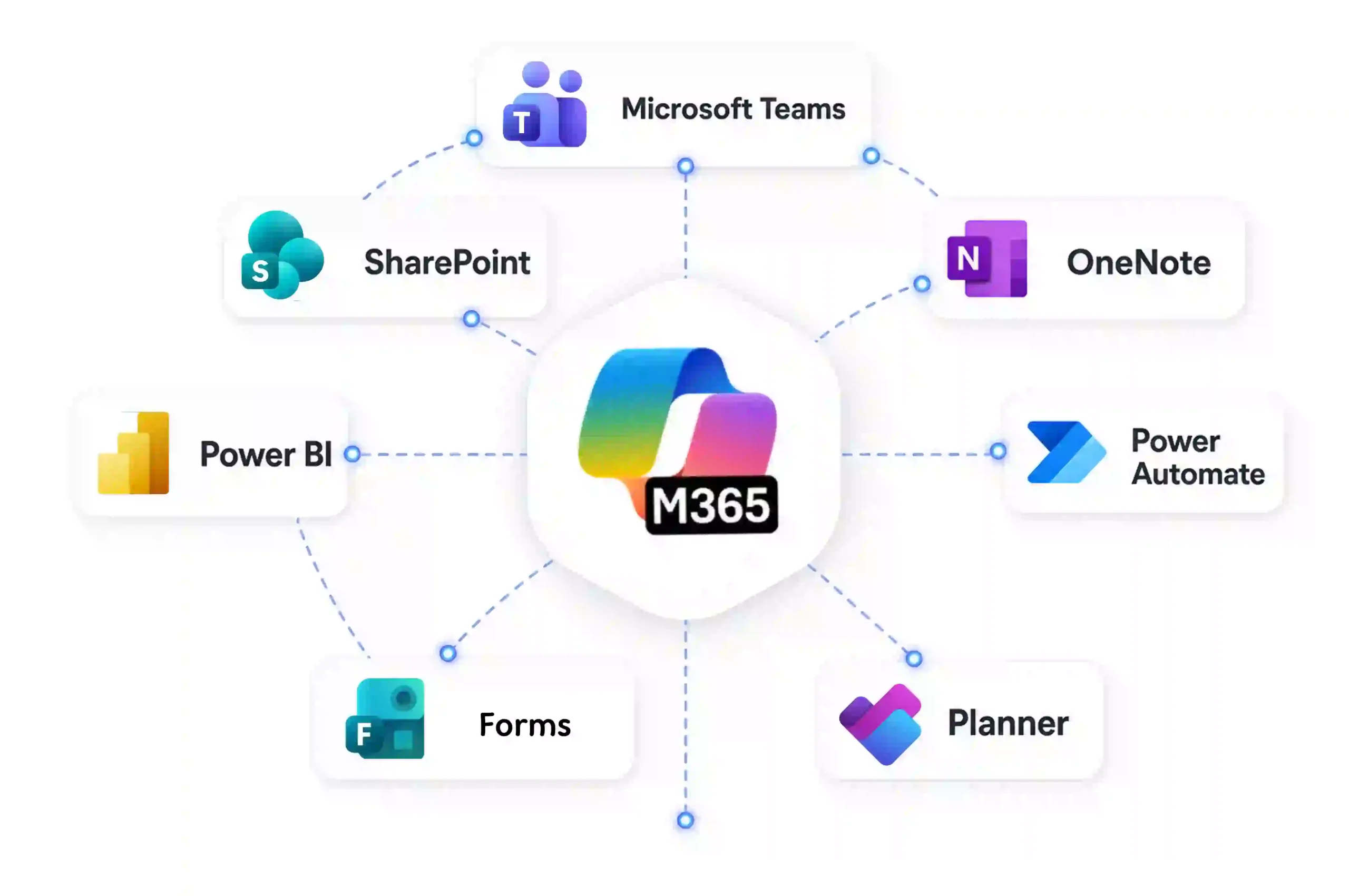
Microsoft 365 Workloads Don’t Operate in Isolation
When users collaborate in Microsoft Teams, they’re also relying on SharePoint files, Planner tasks, Forms, Power Automate workflows, Power BI reports, and user permissions behind the scenes.
Migrating one workload without the others can leave employees with missing functionality, broken processes, or inaccessible business data.
A Migration Can Finish Successfully… While the Business Doesn’t
Even when the migration reports show “completed,” users may discover issues
only after they begin working in the new Microsoft 365 tenant.
Collaboration Breaks

Chat attachments break
Meeting history unavailable
Shared channels lose memberships & permissions

Business Processes Stop
Power Automate flows fail
Forms lose response history
Microsoft 365 workload connections break

Access & Security Issues
Lost permissions
Users can’t access files
Incorrect ownership

Reporting & Data Gaps
Reports no longer refresh
Missing business insights
Incomplete migration data
⚠
Employees lose productivity, support tickets increase, and critical business operations are disrupted after cutover.
How Apps4.Pro Solves It
A Proven Approach for Successful Microsoft 365 M&A Migrations
Plan
Build a migration strategy before moving a single workload
Execute
Migrate connected workloads while minimizing disruption
Verify
Confirm users and business processes are ready after cutover

Assess
Discover your Microsoft 365 environment
Inventory users and groups
Identify workloads
Map users in seconds – 1:1 or bulk.
Group mapping
Estimate migration scope

Migrate
Keep Microsoft 365 workloads connected
Exchange Online
Microsoft Teams
SharePoint
OneDrive
Planner
Microsoft Forms
Power Automate
Power BI
Viva Engage

Validate
Know what migrated-and what needs attention
Migration reporting
Best practices
Cutover support
Retry support

Map
Prepare the new organization structure
User mapping
Domain changes
Group mapping
Permission mapping
Ownership updates

Cutover
Migrate on your timeline
Pilot migration
Incremental sync
Migration waves
Final cutover

Support
Work with Microsoft 365 migration specialists
Migration planning
Identify workloads
Map users in seconds – 1:1 or bulk.
Post-migration assistance

Office 365 Migration
Microsoft 365 Workloads We Migrate for M&A
Migrate Every Microsoft 365 Workload That Keeps Your Business Running




































Exclusive Apps4.pro Capabilities

Teams Chat
One of the few migration solutions that supports Teams Chat History migration.

Viva Engage and Microsoft Forms
First migration solution to support Viva Engage (Yammer) and Forms migration.
Why Enterprise Choose Apps4.Pro
What You Get

Native
Multiple Tools

Multiple workloads

Native
Multiple Tools


Identity mapping
Native
Multiple Tools

Phased migration
Native
Multiple Tools

Validation
Native
Multiple Tools

Expert support
Native
Multiple Tools

Testimonials
Real Migration Results, Not Just Promises
Rated 4.8 / 5 by 1000+ IT professionals. See how organizations
achieve smooth Microsoft 365 migrations with zero data loss and minimal disruption.
Testimonials
What Our Clients Say About Us?
Real stories from IT leaders who rely on Apps4.Pro for seamless
Microsoft 365 migration.

Stephen Bala 

IT Infra & Cyber Defense Manager,UAE


4.9
Out of all the platforms we had to move, we were hesitant about migrating our Yammer communities tenant-to-tenant 😟, but Apps4.Pro really surprised us 😊
They preserved all our posts, conversations, files, and memberships while also supporting both internal and external networks.
What stood out most was their clear guidance, quick responses, and genuine support that made the whole process smooth and successful 🙌.

Denzel Dalton 
Computer Technician,
USA.


4.8
Apps4.Pro Planner Migration Manager made our Microsoft Planner migration seamless and hassle free 😌.
The tool efficiently handled complex needs, ensuring nothing was lost in the transition, and its intuitive interface and automation saved us valuable time and effort ⏳.
Bulk migration was effortless, and the reports kept us fully in control 🙌. We highly recommend Apps4.Pro for any organization for Planner migrations.

Martin Bergholdt
Information technology and services, Denmark


4.9
We recently completed our Yammer data center migration from the US to the EU 🌍, and the process went far smoother than expected 😊.
Historical conversations were fully preserved with minimal user disruption, which was a big relief 😌.
The team guided us from start to finish, kept compliance in check, and gave us confidence. I’d definitely recommend this solution to any organization making a similar transition✨.

Fabrice Langlois
Manager, IT Enterprise Architecture, Collaboration


4.8
Migrating our Yammer communities seemed complex 🧩, but Apps4.Pro made it smooth and hassle-free 🎯.
Its automation & flexibility let us pre-stage data, schedule migrations, and generate reports that kept us in control .
Despite years of data and large user base, the migration was fast, accurate, and disruption-free ⭐. Thanks to Apps4.Pro, we consolidated our Yammer networks and streamlined communications 🙌.

Mohan Venkatavarathan
Technology – Digital Transformation, Singapore

4.7
Migrating our Teams 1:1 and group chats 😅 was critical, and Apps4.Pro exceeded expectations 🚀.
The tool seamlessly and securely moved entire chat histories, attachments, and permissions while keeping conversations intact 🔒.
Easy to install and configure, it ensured minimal downtime so our teams could keep collaborating without disruption 🙌. If you’re looking for a reliable Teams chat migration tool, Apps4.Pro is the way to go! ⭐
Fabrice Langlois
Manager, IT Enterprise Architecture, Collaboration
4.7
We recently used Apps4.Pro Forms Migration to transfer our Microsoft Forms, and it worked flawlessly 😍. Setup was quick and straightforward, saving us hours of manual effort⏱️and the process was smooth.
Every form securely transferred with no data loss, and logs gave us full confidence nothing was missed.
The user interface is clean and easy to use 👌. we set up and tracked migration in just a few clicks. We’re really happy with the experience and would absolutely use it again 😀.

Venkatesh Narayanan
Head of Global IT,
Resillion

4.9
Migrating private chats in Microsoft Teams wasn’t as seamless as we expected 😓, finding the right tool proved to be a challenge.
We tested multiple solutions, but most had drawbacks, such as migrating only messages from a specific timeframe and having data limitations.
Apps4.Pro was the best decision 👍. it automated everything and kept chats intact with no data loss.
We even went beyond Teams chat to migrate Forms and Power Automate too 💯.

Benjamin Paurevic
Construction Industry,
Germany

4.8
We recently completed a Power BI workspace and report migration using Apps4.Pro, and the experience was outstanding 😃. From planning to cutover, the process was smooth, well-documented, and professionally executed.
Automation simplified migration while preserving configurations and access, saving countless hours of manual rework 📈
The team was highly responsive, guided setup and custom needs🚀. I would confidently recommend⭐ Apps4.Pro for reliable, efficient Power BI migrations.

Mike Maadarani
Cloud Solutions Architect, Ottawa, Canada

4.8
Once in contact with Apps4.pro’s sales team, we realized the Apps4.Pro can migrate not only Microsoft Planner but also Teams, OneNote and Wiki among others, and therefore decided to run the POC for all the components 😃.
After a 100% successful result, we trust Apps4.Pro for all our future migrations and have already moved 1,200+ plans 🎯 seamlessly and will keep helping MCM deliver to its clients.
The product was easy to use, and it migrated everything as expected 🙌.

Pablo Solano
Information Systems Architect – Messaging and Collaboration
4.7
Migrating a large number of users was a challenge, but Apps4.Pro Private Chat Migration made it much easier 😌.
Parallel task processing and multi-threaded execution sped up the migration, completing it on time without disruptions 🌟.
The tool handled high volumes of data effortlessly, and the team provided helpful best practices, ensuring a smooth setup and secure processing 🛡️.
Overall, it was a smooth experience, and we appreciate the outstanding support from the team 🙌.

Shoaib Akbar

Associate Director IT Global,
USA

4.9
At first, we were concerned 🤔 about how complex Yammer migration might be, but Apps4.Pro made the process stress-free and saved us valuable time. Their team handled everything from start to finish 👍.
The migration was smooth, with no data loss or business disruption 😊, and their clear communication kept us reassured throughout .
We’re extremely satisfied and would gladly recommend Apps4.Pro to anyone looking for a smooth Yammer migration.
Fabrice Langlois
Manager, IT Enterprise Architecture, Collaboration
4.7
Migrating a high volume of Power BI data felt like a challenge until we found Apps4.Pro 🤩.
The tool handled dependencies, permissions, and configurations at scale flawlessly, with helpful pre migration insights 👌
Overall, Apps4.Pro saved us an incredible amount of time compared to manual migration, and despite a few minor tweaks needed, and remains one of the best solutions 🏆 for a fast, efficient, and largely hassle-free migration, it’s a solid choice 💯.

Doug Punchak
Avvenire Solutions Inc
USA

4.8
I have to say, the Teams Migrator product has come a long way 😍 since I first started using it. The most recent migration of my client’s Teams went flawlessly!
This product is amazing and so much better 💪 when compared to the alternative Teams migration tools available that are either more expensive and do not provide the same capabilities.

Mohamad Nuzul Izwan
Group Business Technology,
PLI Petronas

4.8
Apps4.Pro Migration Manager was leveraged to merge the PLI Yammer network with the existing PETRONAS Parent network 😍.
The tool has smoothly migrated around 200 plans and 600 GB of Stream videos while minimizing user impact 👌.
As part of the migration, Apps4.Pro helped us to perform the group clean up and rename activities too. Thanks to their professional consulting service. The entire migration was smooth with least permissions reports saved us valuable time ⏱️.
Ready for Your Microsoft 365 M&A Migration?
Whether you’re planning a merger, acquisition, tenant consolidation, or divestiture, our migration
specialists can help you design the right migration strategy before your deal reaches cutover.


 Migrate
 Manage
 Migrate Microsoft 365